Version 2.0.1 — now available

Supercharge Elementor without the weight

13 lightweight widgets, 127+ extra controls and a built-in performance toolkit — in one plugin for Elementor.

Introduction

We build lighter tools for Elementor — widgets, controls and speed settings that fit the way you already work

13

Lightweight widgets

7,129

Icons in 7 libraries

127+

Extra controls

Widgets

Meet the widgets that do the heavy lifting

Typography

Headings that stand out

Highlight Heading

Underline the words that matter with 12 animated strokes or a colour highlight.

12 strokes
Icons
Images
Motion
Sites that feel
faster
lighter
sharper
calmer
yours

Animated Word Roller

A fixed title followed by words that roll into place, one after another.

Custom delay
Visible words
Media
Built
Wireframe

Image Compare

A draggable before/after slider for redesigns, retouching and renovations.

Horizontal
Vertical
Labels
Media

Image Marquee

An endless strip of logos or photos with faded edges and pause on hover.

Vertical mode
Lightbox
Navigation

Nav Menu

Mega menus, six hover effects and a full-screen or compact mobile panel.

Mega menu
6 hovers
Breakpoint
Content

Launch-ready sections

Pair an icon with a title, text and a button.

Info Box

Icon, image or text with a call to action — and the whole box can be a link.

Box link
Button
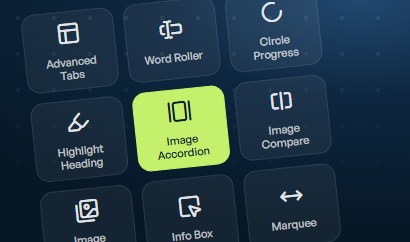
Advanced Tabs Animated Word Roller Circle Progress Bar Highlight Heading Image Accordion Image Compare Image Marquee Info Box Marquee Nav Menu Simple Accordion Stacked Slider Timeline Advanced Tabs Animated Word Roller Circle Progress Bar Highlight Heading Image Accordion Image Compare Image Marquee Info Box Marquee Nav Menu Simple Accordion Stacked Slider Timeline Advanced Tabs Animated Word Roller Circle Progress Bar Highlight Heading Image Accordion Image Compare Image Marquee Info Box Marquee Nav Menu Simple Accordion Stacked Slider Timeline
How it works

From install to fast in three steps

Step 01

Install & activate

Add the plugin to any WordPress site running Elementor. Uncoder gets its own menu right under Dashboard, with every setting in one place.

Features included:
Step 02

Set your design system

Edit global colours, fonts, buttons and form styles in the Site Settings app, with live preview, search and per-device editing.

Features included:
Step 03

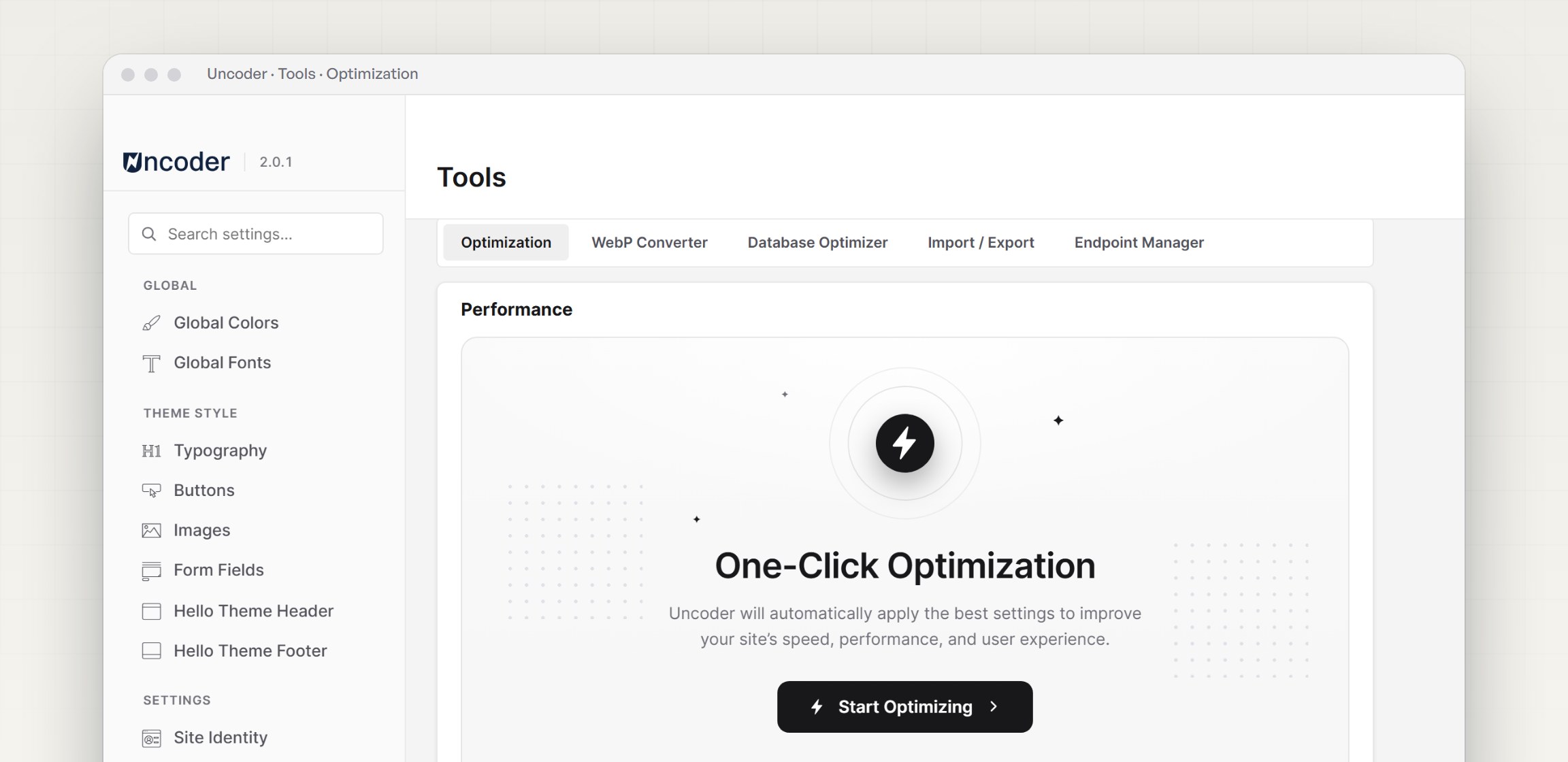
Optimize in one click

One-Click Optimization applies the recommended settings, delays JavaScript, converts images to WebP and turns on the page cache with GZIP.

Features included:
The toolkit

Everything you need in one plugin

Widgets

Widgets

13 lightweight widgets — tabs, timelines, marquees, accordions and more.
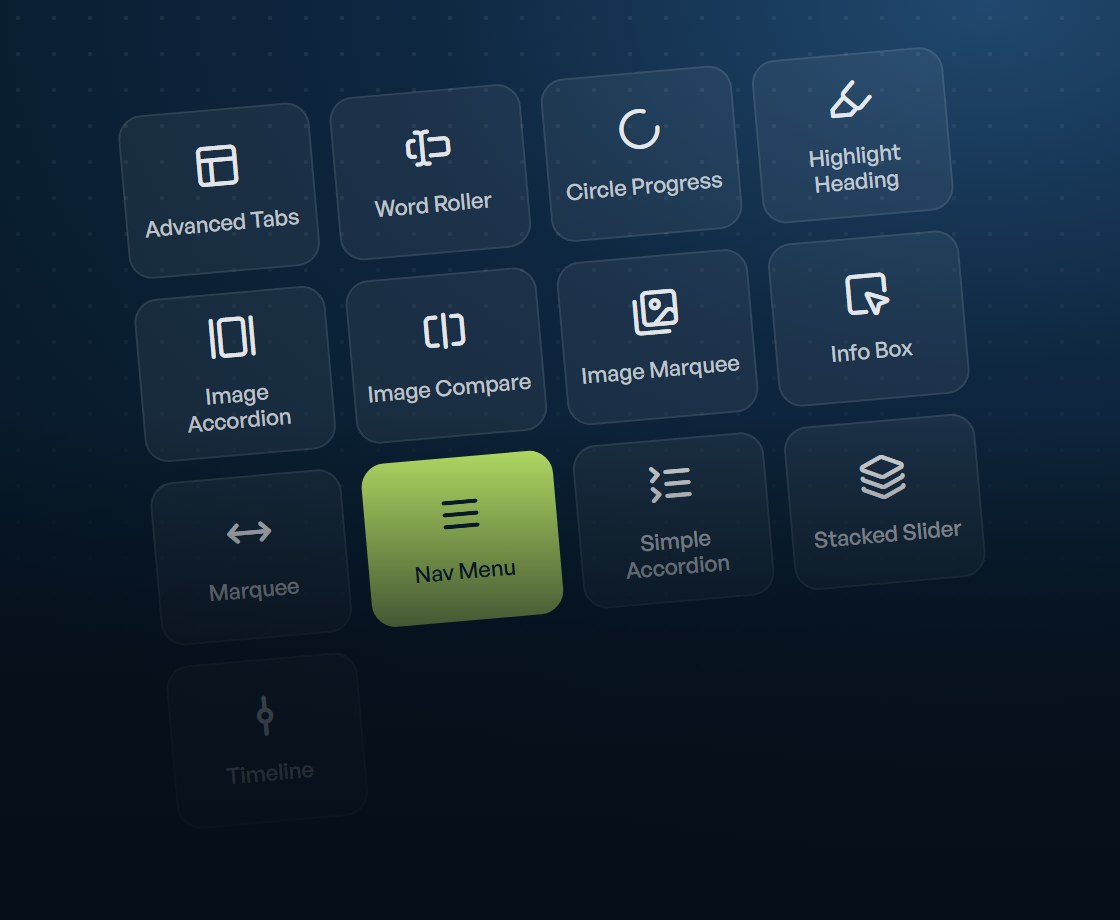
Widgets

Controls

Controls

Sticky headers, animated backgrounds, tooltips and wrapper links on Elementor’s own widgets.
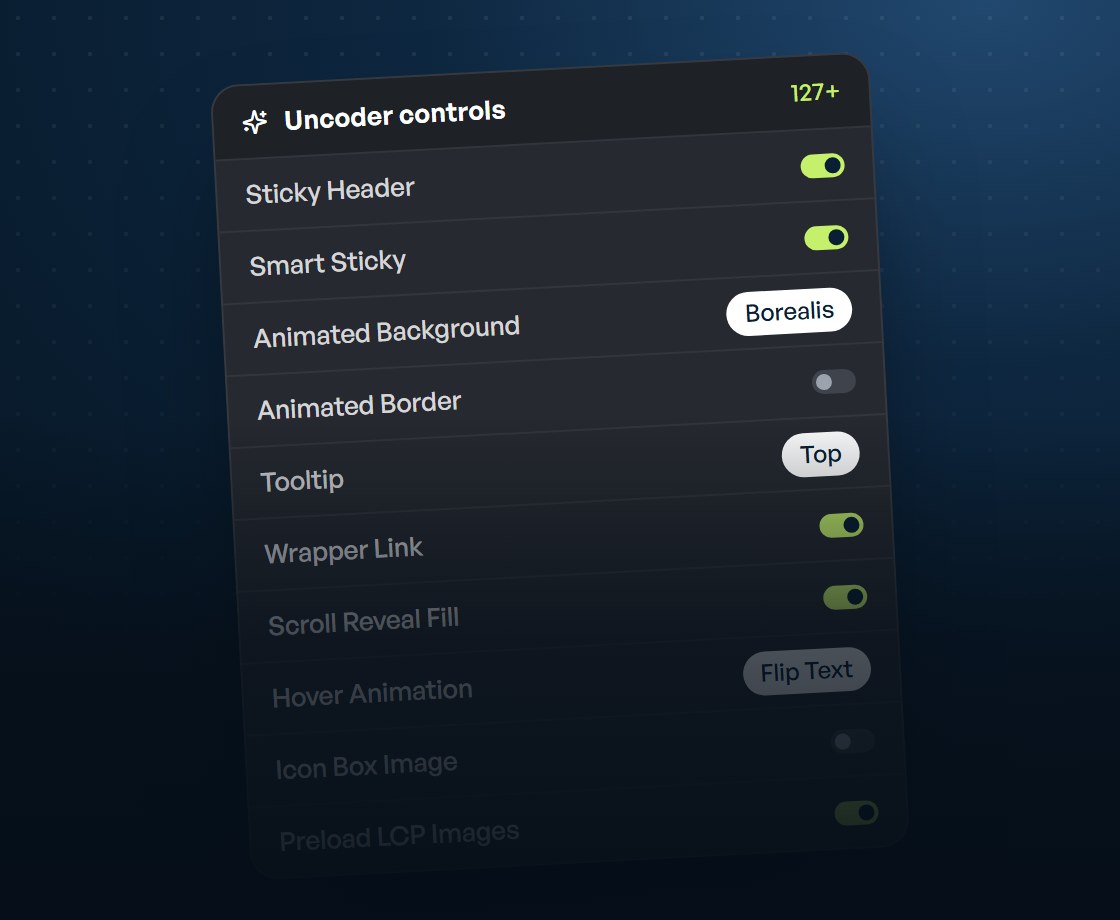
Controls

Site Settings

Site Settings

Every kit tab in one app, with live preview, search and per-device editing.
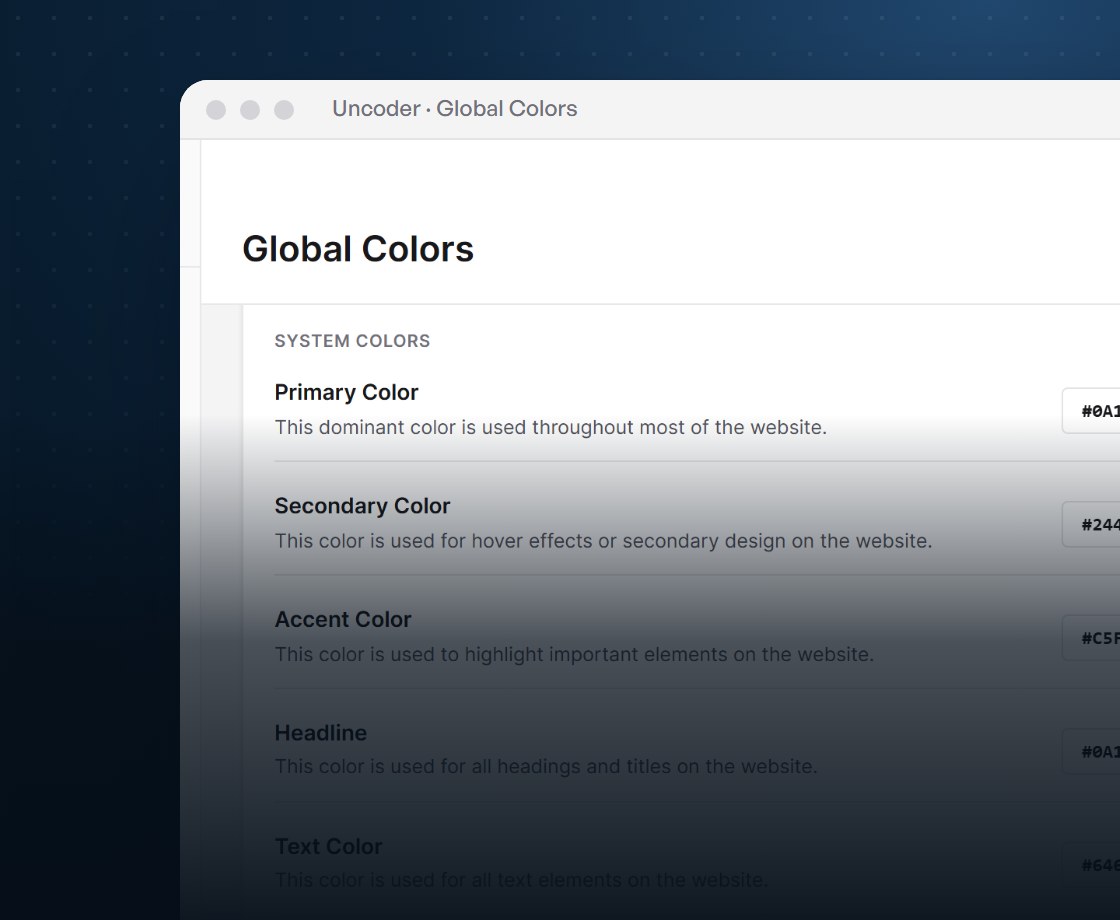
Site Settings

Performance

Performance

One-click optimization, delayed JavaScript, page cache, WebP and database cleanup.
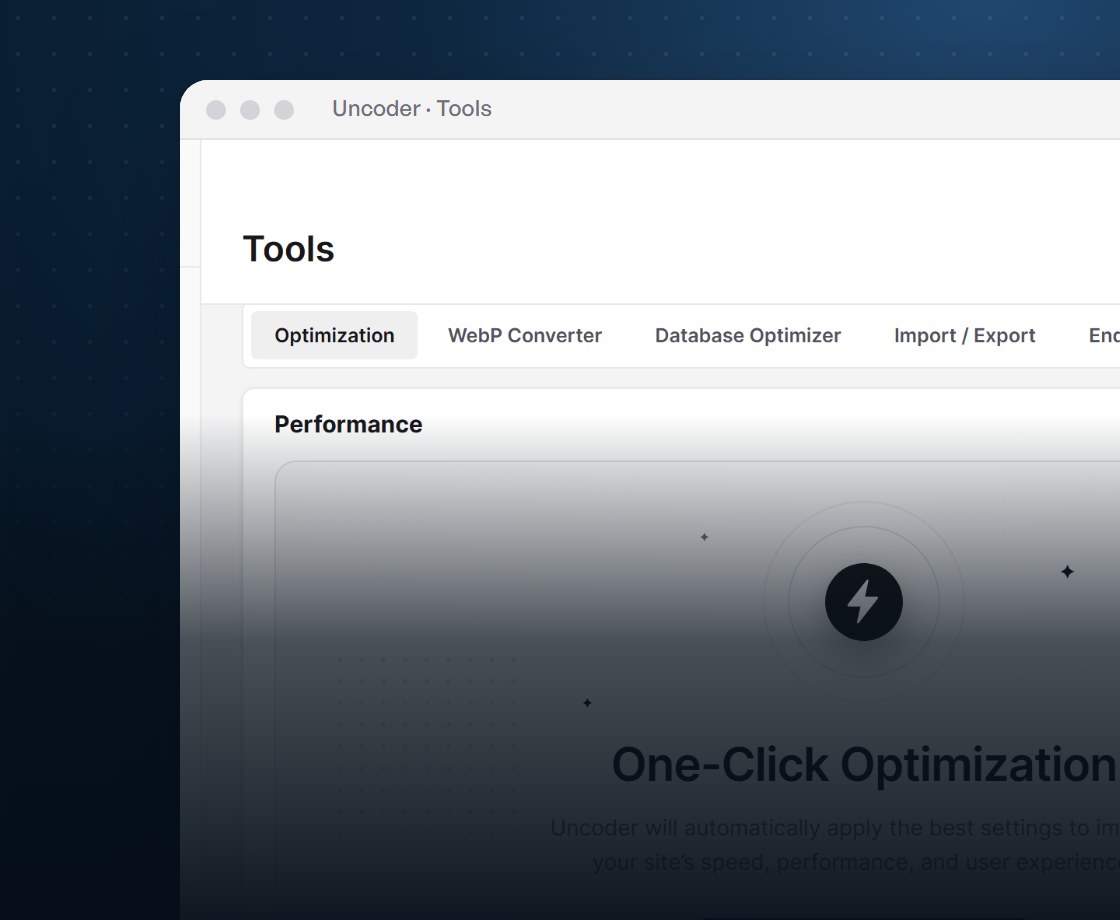
Performance

Workflow

Workflow

Site kit import/export, post duplicator, mega menus and front-end edit buttons.
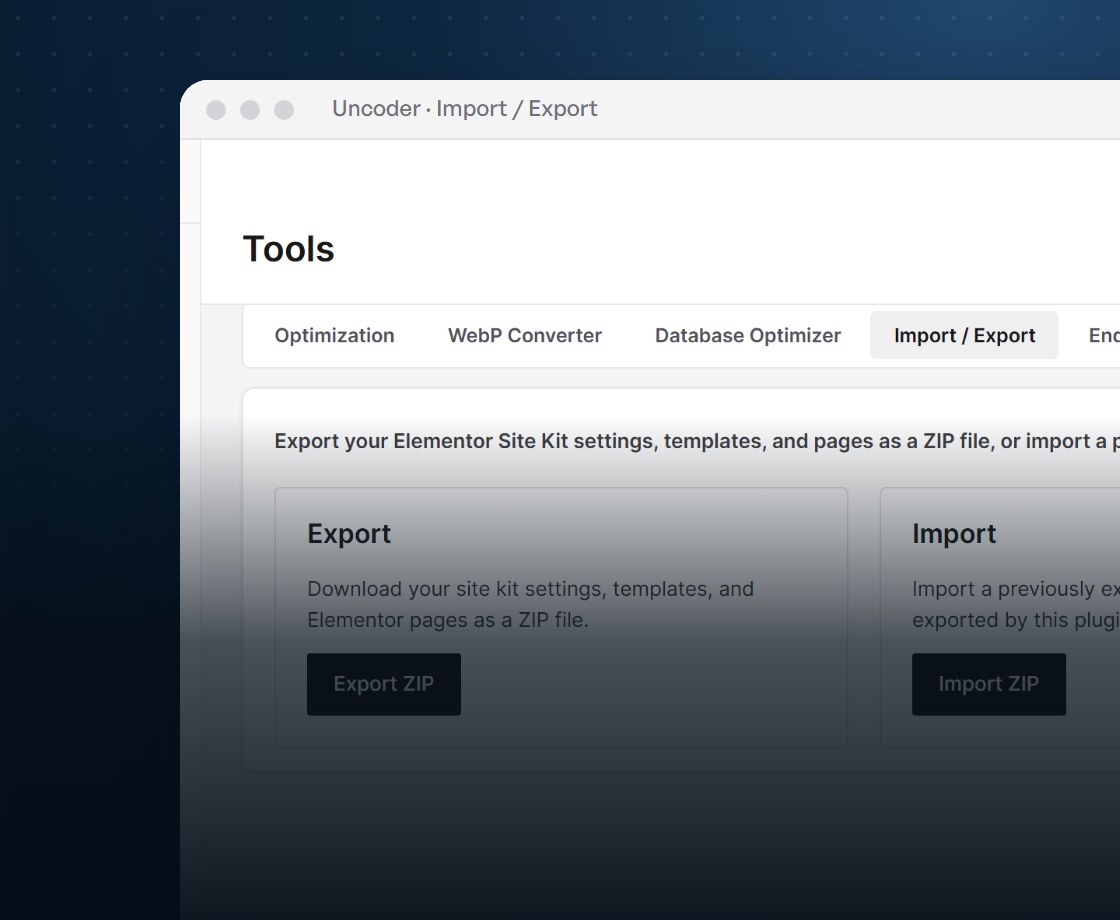
Workflow
Performance

Speed tools, built right in

  • One-Click
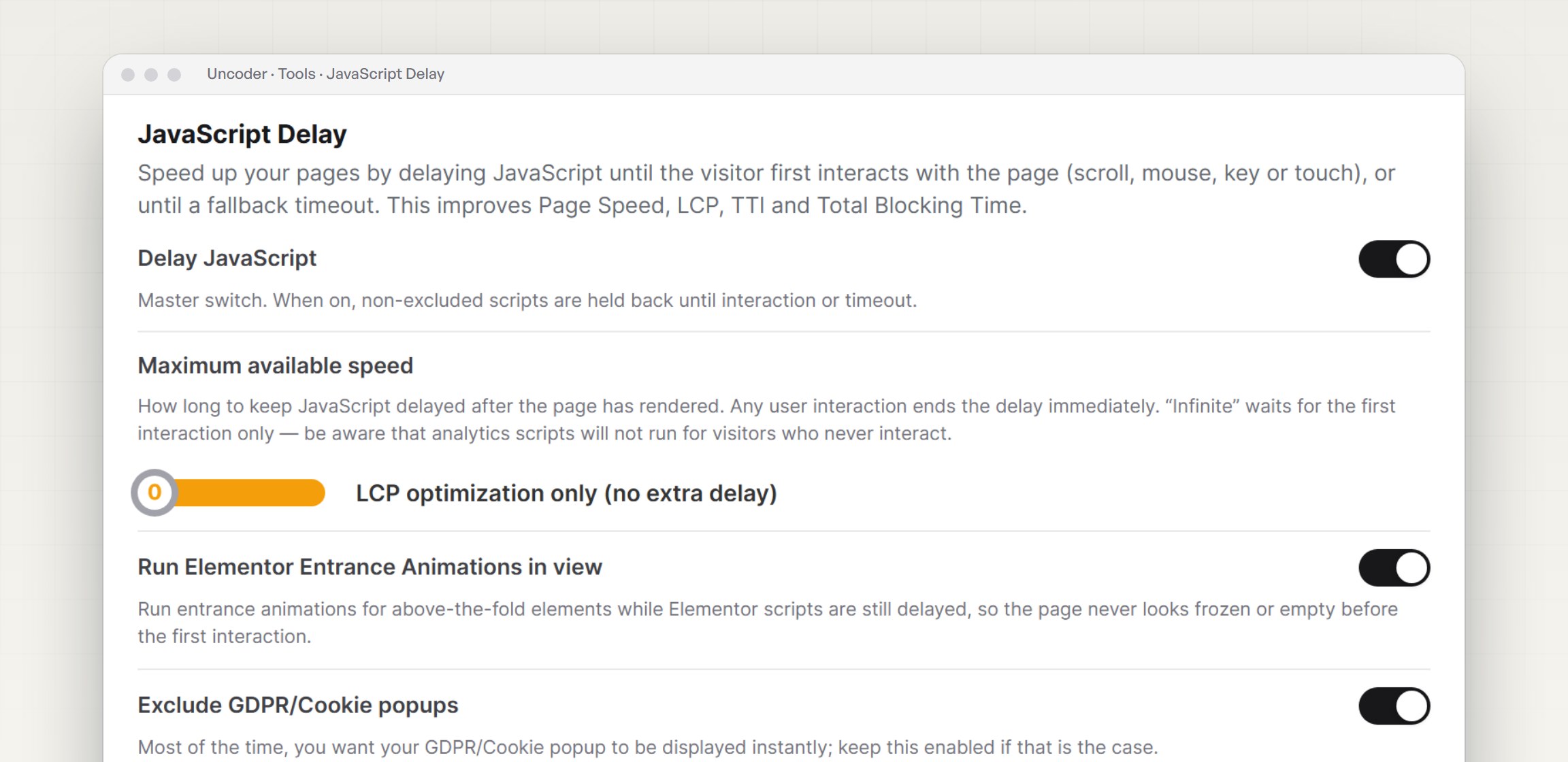
  • Delay JS
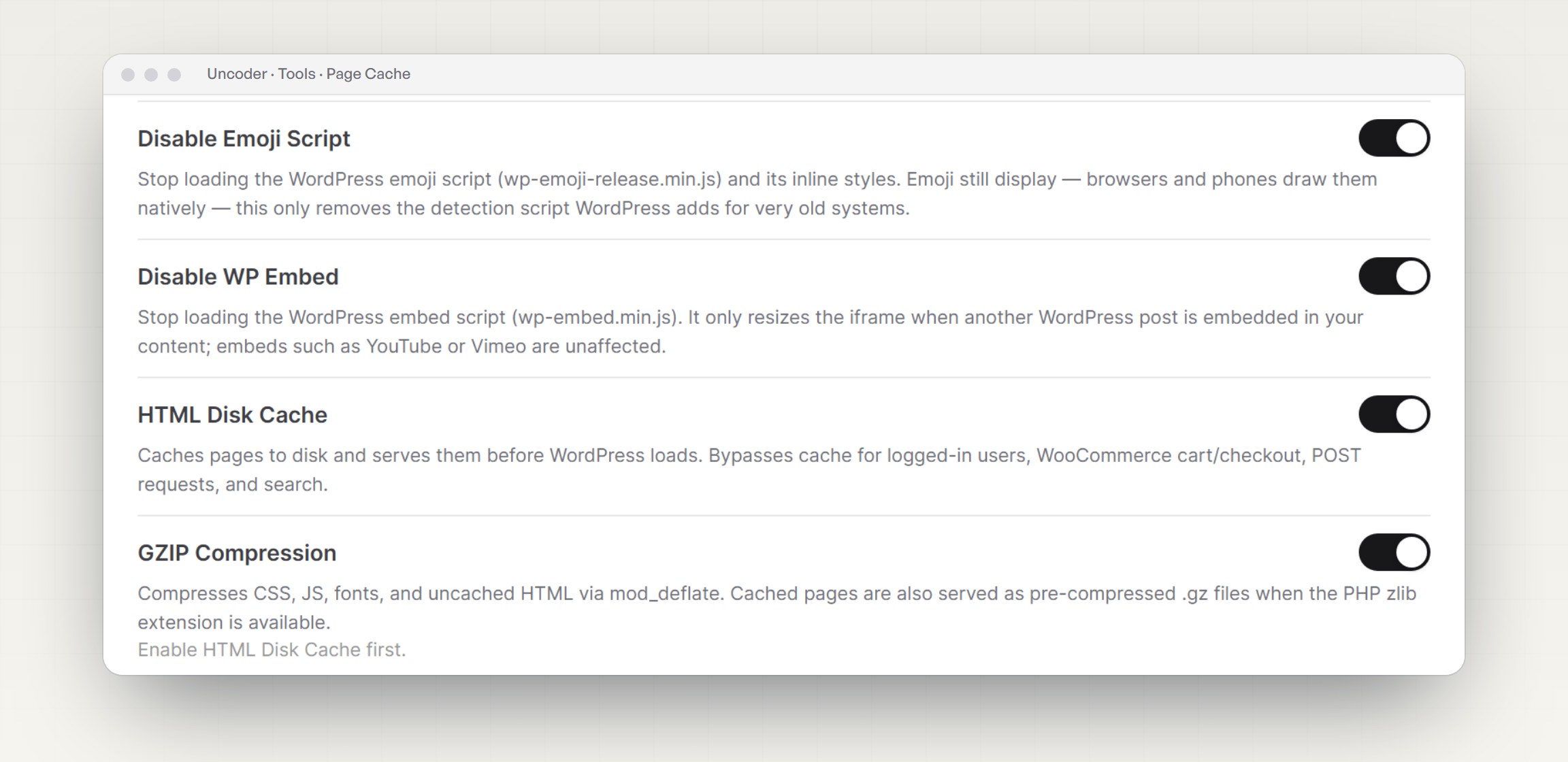
  • Page Cache
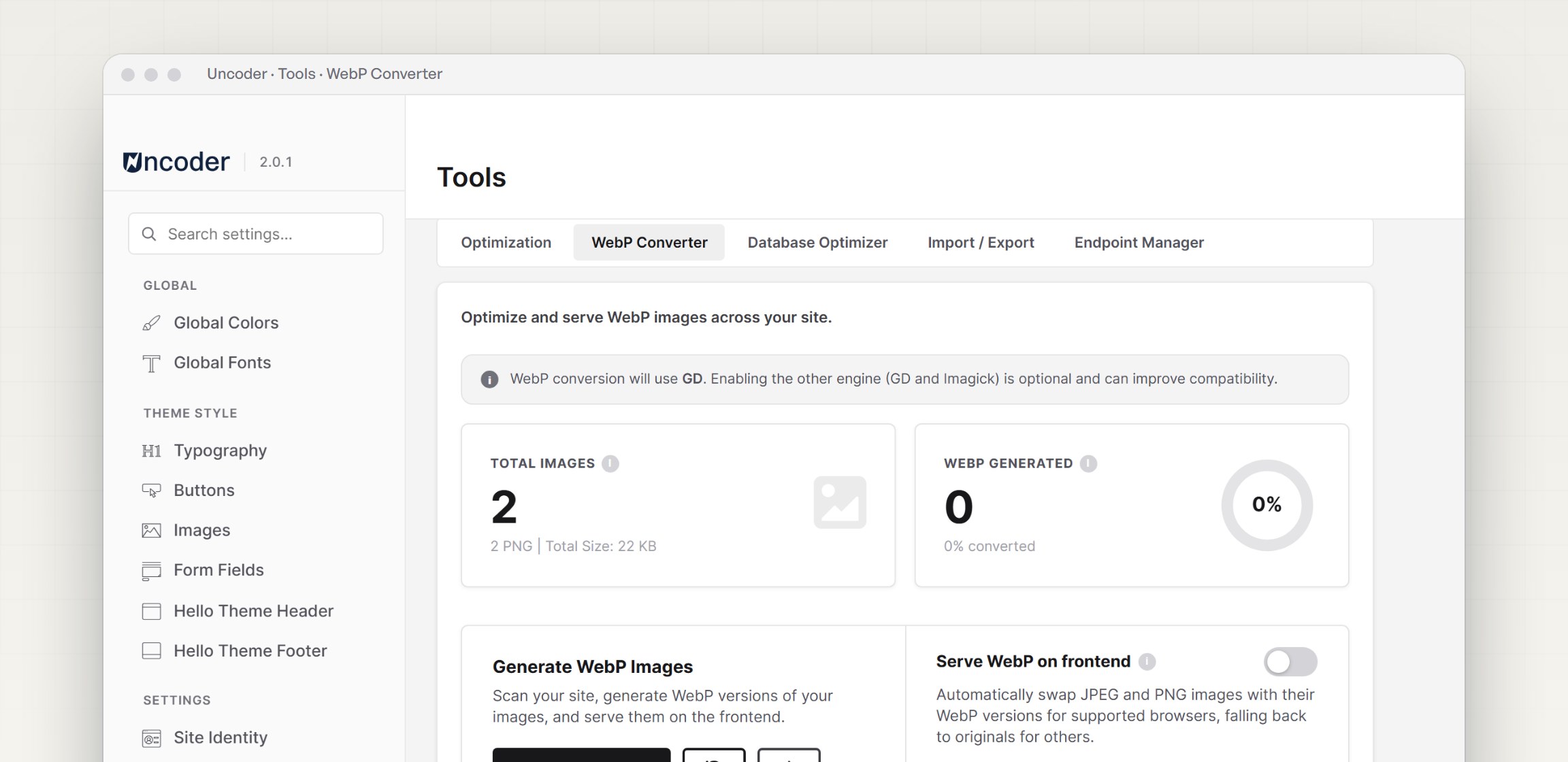
  • WebP
  • Database
  • Fonts
  • Endpoints
Four steps — recommended settings, JavaScript delay, WebP and cache — that resume if the page reloads.
Hold scripts back until the page has rendered or the visitor interacts, while entrance animations still run.
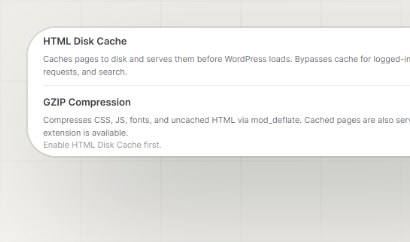
Pages served from disk before WordPress loads, with GZIP, background preload and automatic purging.
Convert the whole library in batches, convert on upload and serve WebP — originals are kept as a fallback.
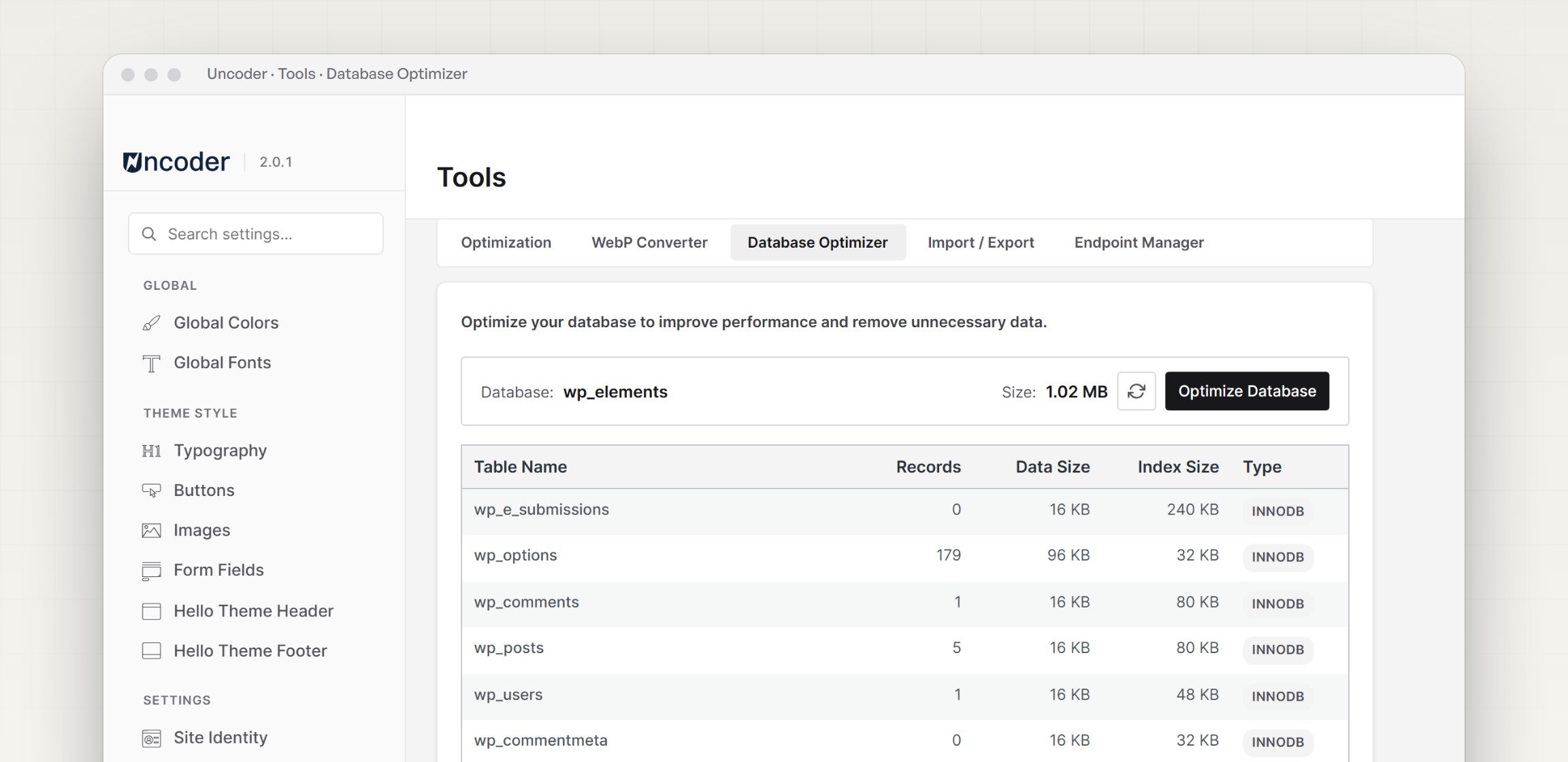
Clean revisions, auto-drafts, spam, expired transients and orphaned metadata, then optimize every table.
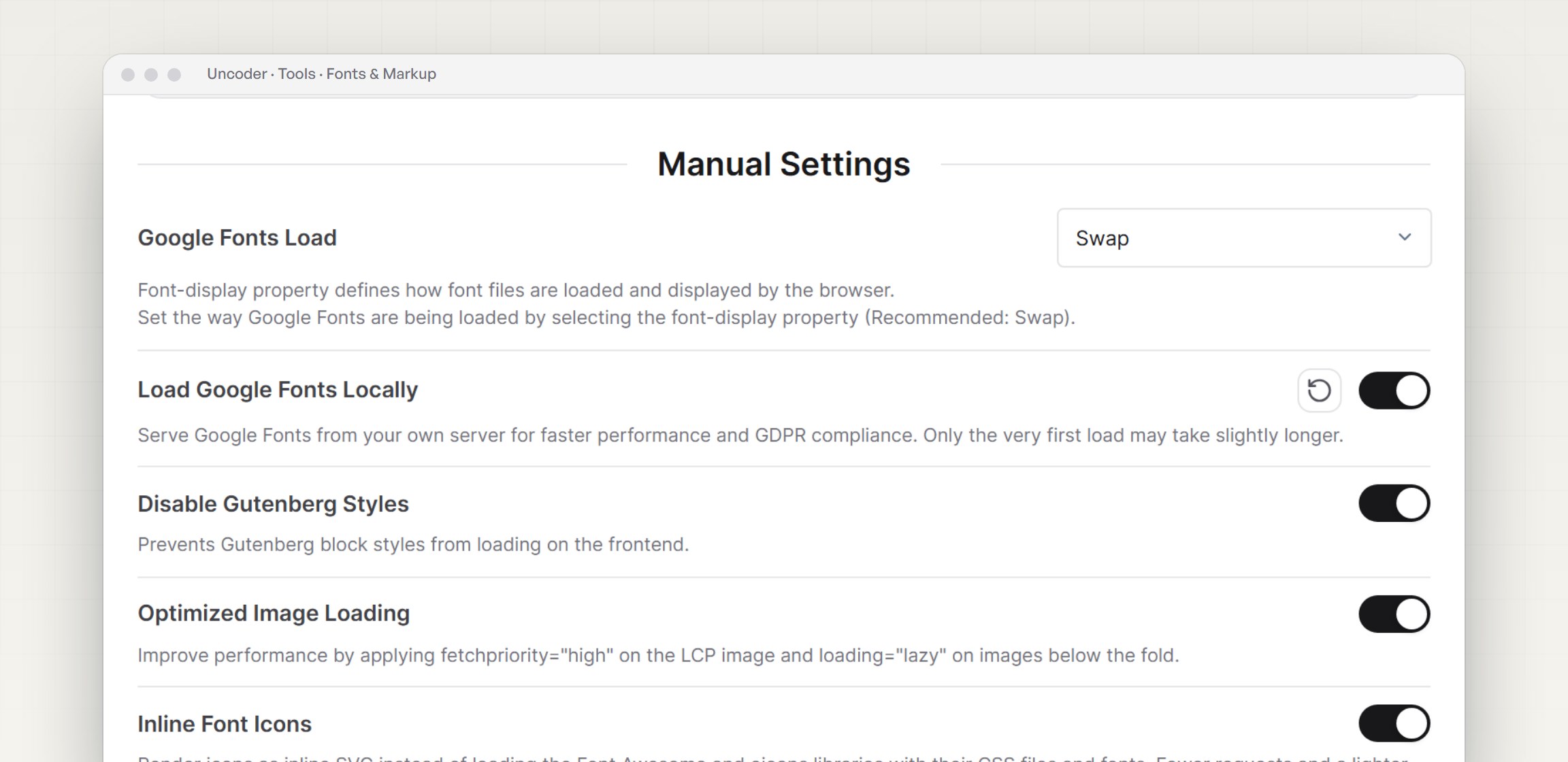
Load Google Fonts locally with font-display swap, preload the fonts you pick and drop unused styles.
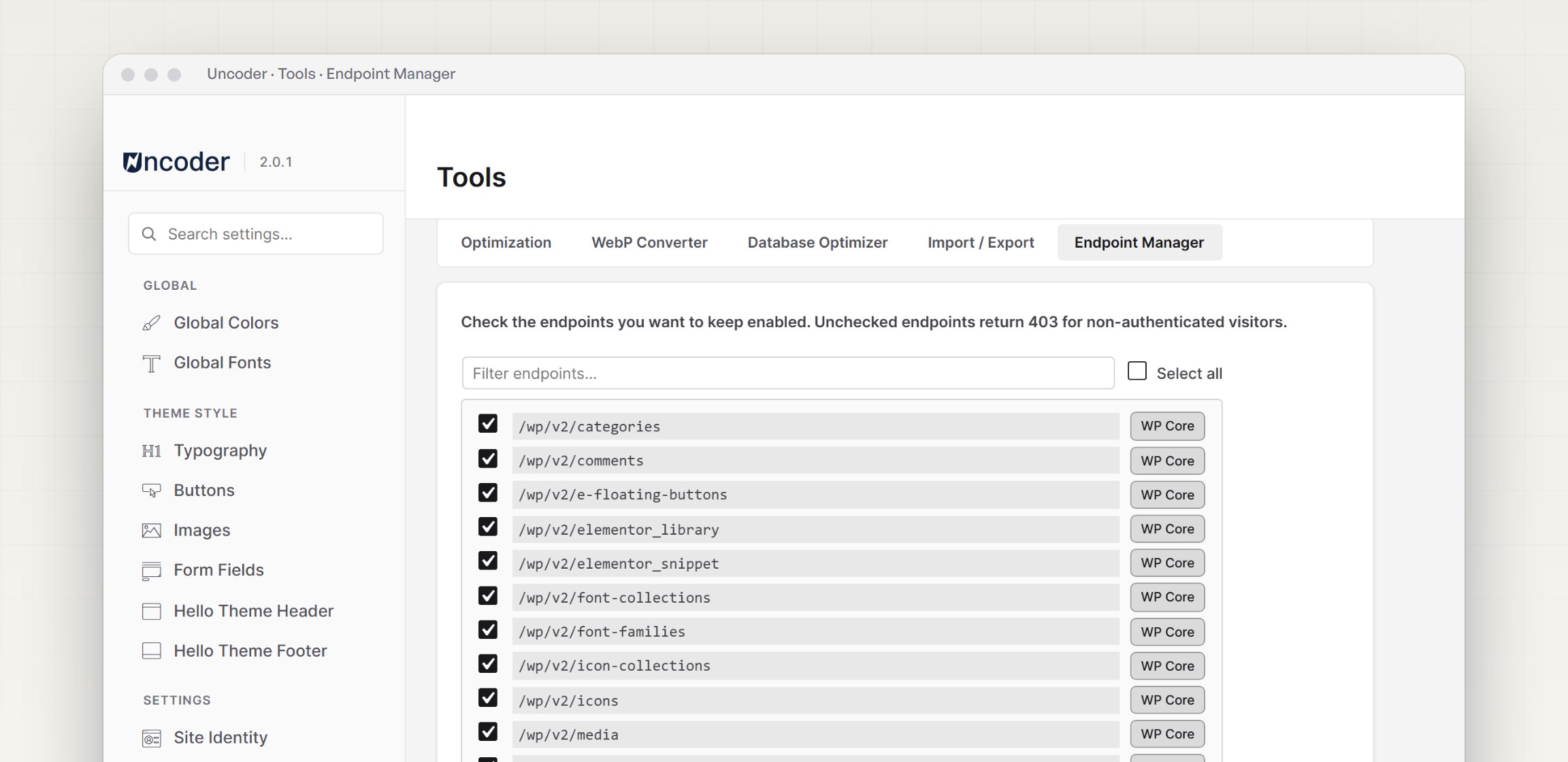
Choose which REST routes stay open to logged-out visitors — core routes are locked so nothing breaks.
See it in action
What’s new

See what’s new in Uncoder Elements

v2.0.0 • Major release

A new Site Settings app and a modular core

v2.0.1 • Performance

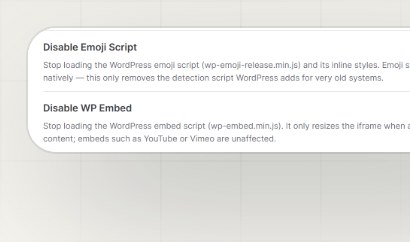
Lighter pages with new Emoji and WP Embed switches

v2.0.1 • Fix

A page cache that repairs itself

v2.0.0 • Widgets

Word Roller, Image Accordion and Stacked Slider

FAQ’s

Find what you’re curious about

What do I need to run Uncoder Elements?

WordPress 6.0 or newer, PHP 7.4 or newer and the Elementor plugin. It works with the Hello Elementor theme and can install a child theme for you in one click.

Get started

Start building faster today

Install Uncoder Elements, set your design system and switch on One-Click Optimization — your next Elementor site starts here.